Photos
iPhone Capture Guide
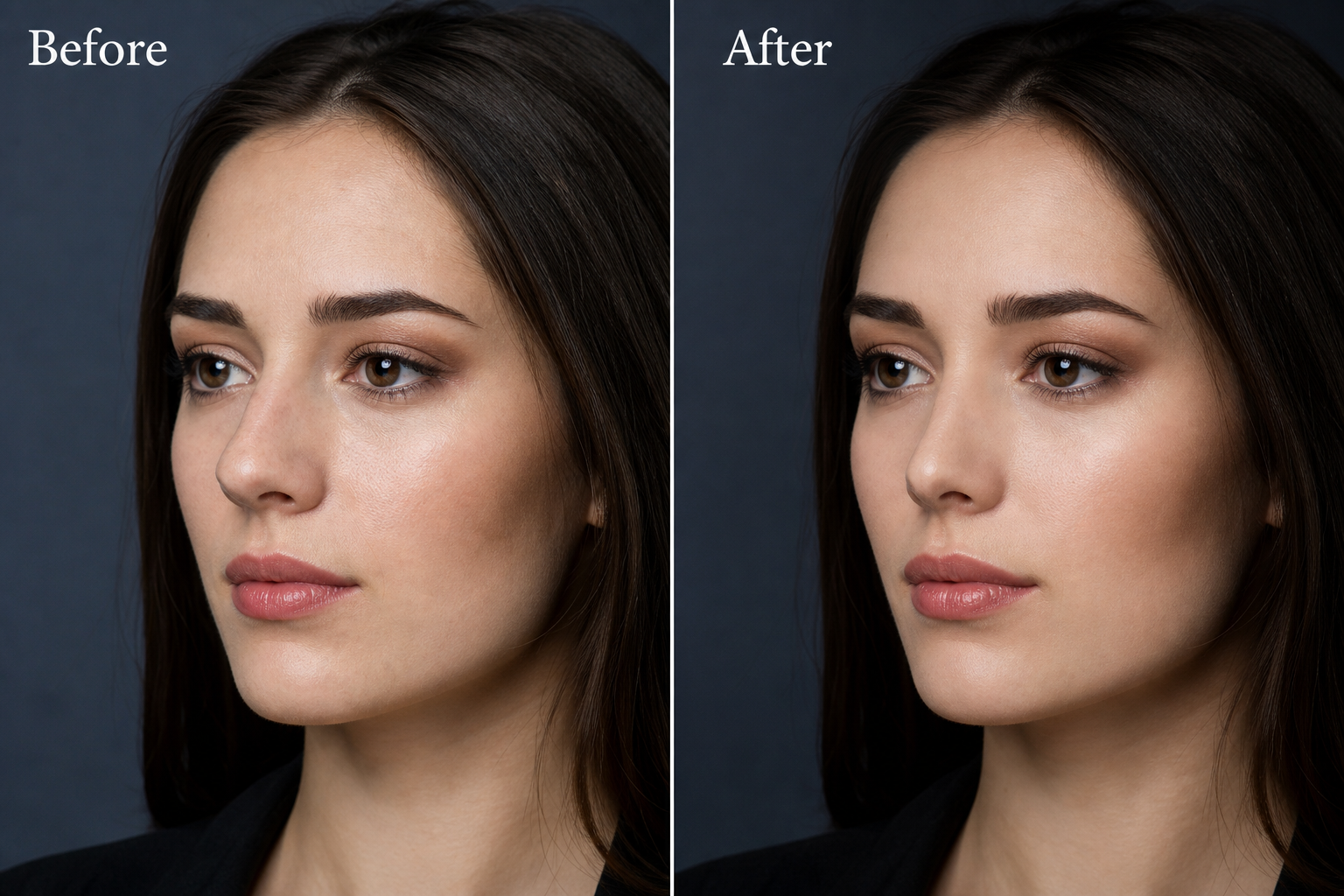
iPhone capture guide for Nose Shape: Camera settings and poses that support clearer AI nose visualizations. Educational guidance only. Visual concepts, not.
Quick answer: On iPhone, clean the lens, use natural light, lock focus on the eyes, and avoid ultra-wide selfies for serious compares. Then explore gently in Nose Shape.
iPhone Camera prep
Wipe the iPhone lens, set Photo mode, and face soft daylight.
Clean glass matters more than fancy modes.
Portrait distance on iPhone
Hold the phone near eye height a bit farther than a typical selfie arm crush.
Crop later if needed.
Light and Night mode notes
Night mode can soften edges; prefer daylight for preference work when you can.
Steady hands or a shelf help.
- Limit generations per sitting.
- Label AI concepts if sharing.
- Re-read privacy basics when unsure.
iPhone quick path
- Clean lens
- Daylight Photo mode
- Eye-height frame
- Pick sharp still
- Subtle Nose Shape try
From Camera roll to Nose Shape
Pick the sharpest frame, avoid Live Photo weirdness if it blurs, then upload to Nose Shape.
Subtle strength first on iOS just like elsewhere.
How to use this in Nose Shape
Follow the iPhone daylight capture path, then try a subtle Nose Shape concept on the sharpest still.
Important safety note
Nose Shape provides cosmetic visualization and educational guidance only. AI results are visual concepts — not a diagnosis, surgical plan, or outcome guarantee. Real procedures can look different. Always discuss decisions with a qualified professional.
References & further reading
- Nose Shape AI Disclosure
- Nose Shape Privacy
- American Society of Plastic Surgeons — patient education (general)
FAQ
Is iPhone Capture Guide medical advice?
No. It is educational cosmetic visualization guidance. Nose Shape does not diagnose, recommend surgery, or guarantee outcomes.
Can Nose Shape guarantee results related to iphone capture guide?
No. AI images are visual concepts. Real outcomes can look different from any preview.